Brain Firmwares
Last update: Mar 28 2026
How to install Brain Firmwares
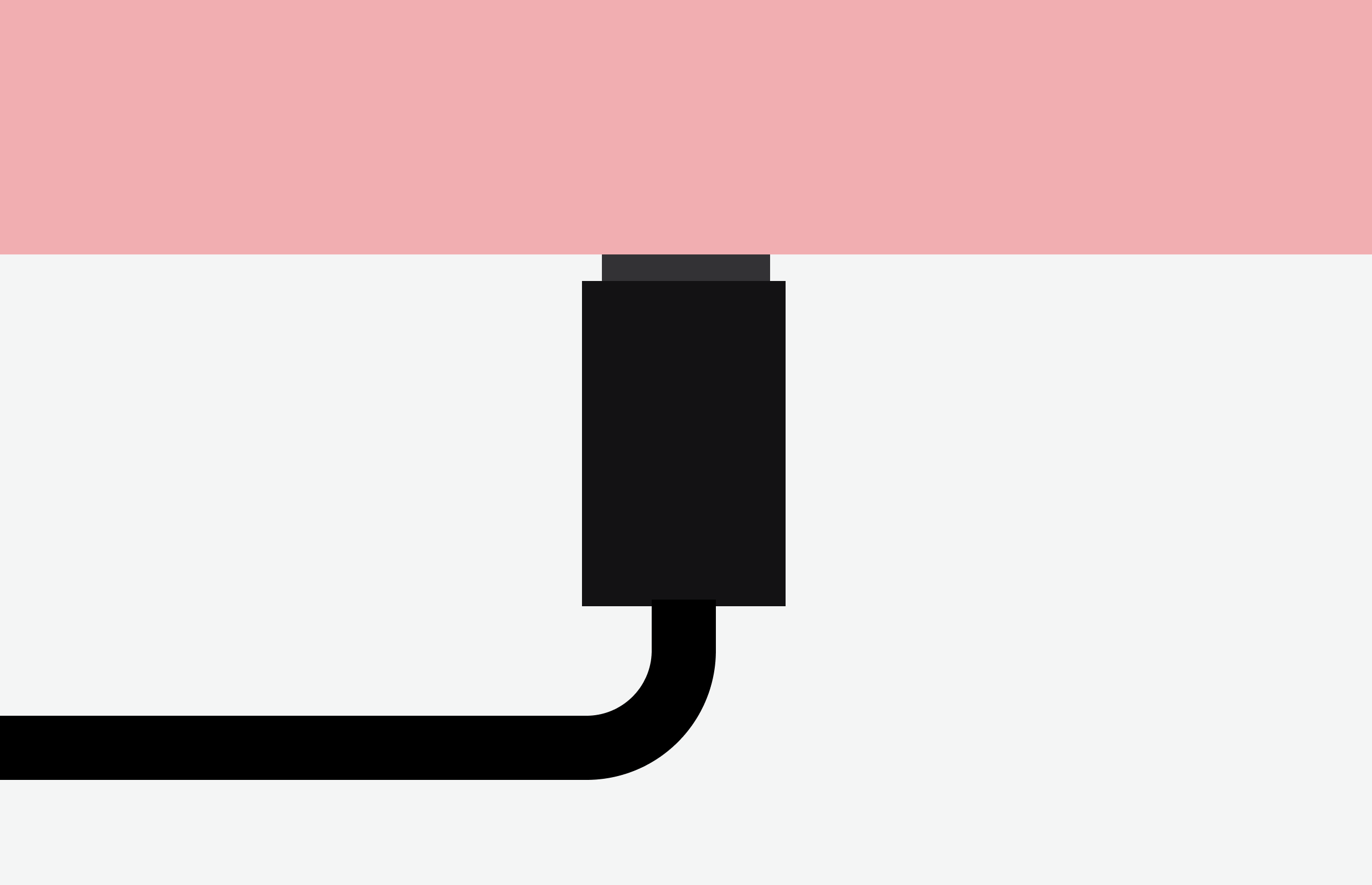
- Turn off the Moduleur
- Download and unzip the firmware
- Push the button on the side of the Moduleur
- Connect your Moduleur to your computer. A new drive should appear called RP2040 or RP2350
- Drag and drop the UF2 file on the drive ending with:
pico.uf2for RP2040 corepico-2.uf2for RP2350 core (Moduleur 1/1 series come with RP2350 core)

Le Controlleur
A dual-mode performance firmware for the Shmøergh Moduleur Brain module. It combines a clockable probabilistic Sequencer and a hands-on MIDI ot CV interface for keyboard/controller-driven patches.
User Guide
Version: 1.1

Lo-Fi Delay
A simple digital mono delay with the charm of 8ish bit input and 12 bit output resolution. For Brain modules with Pico 2 only.
User Guide
Version: 1.1
CV Tuner
Calibrate the Brain CV outputs with a tuner-guided workflow for precise 1V/oct tracking.
User Guide
Version: 1.0
CV Utilities
Six control voltage utilities packed in a single firmware: attenuverter, precision adder, slew limiter, dual AD envelope, CV mixer and clocked random CV generator with optional quantization.
User Guide
Version: 1.0