Moduleur Build Guide


Just gimme the files

All design files, schematics, Gerbers, BOMs and panel files are available on the Moduleur Github repo:

About the Shmøergh Moduleur

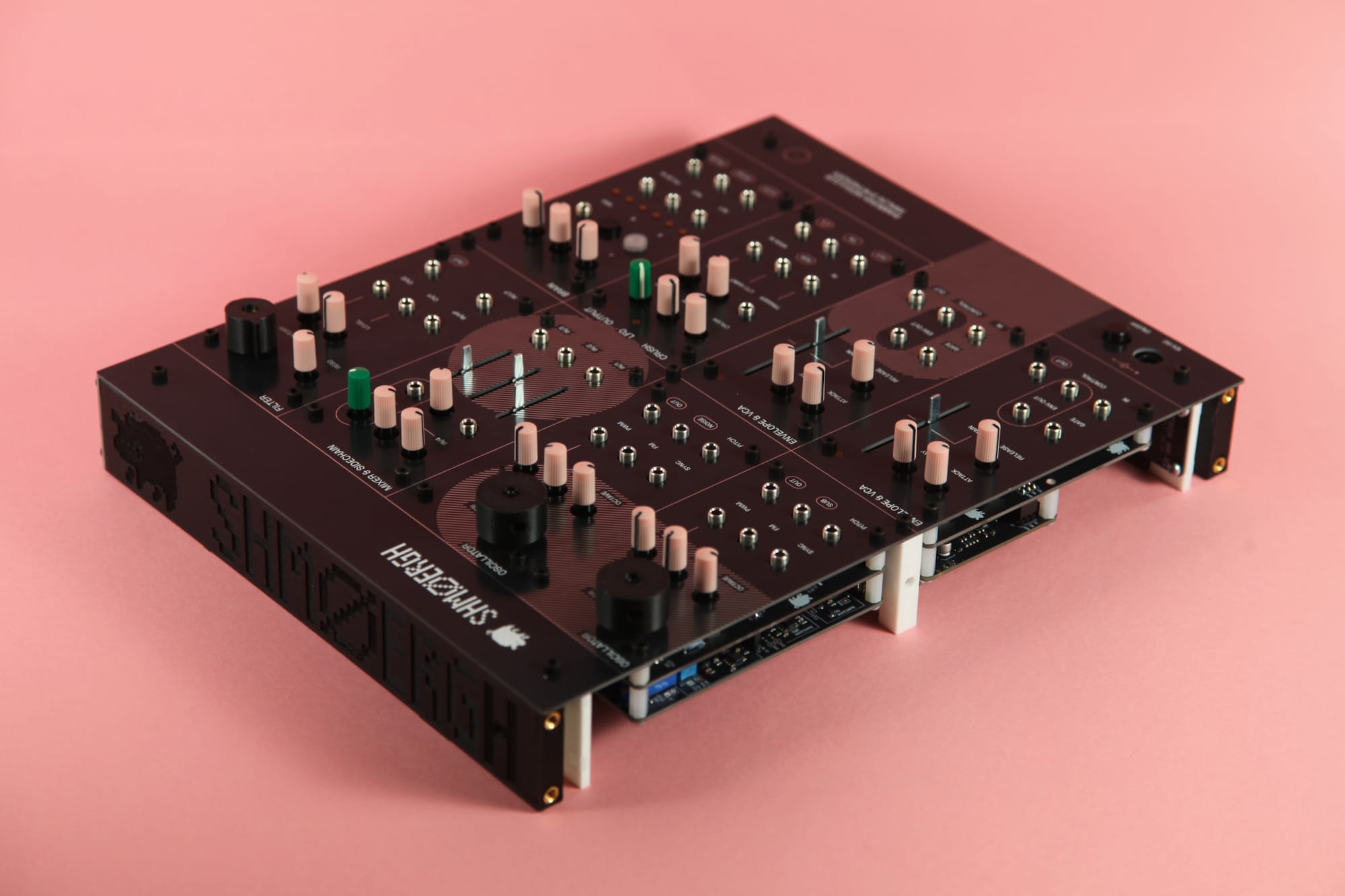
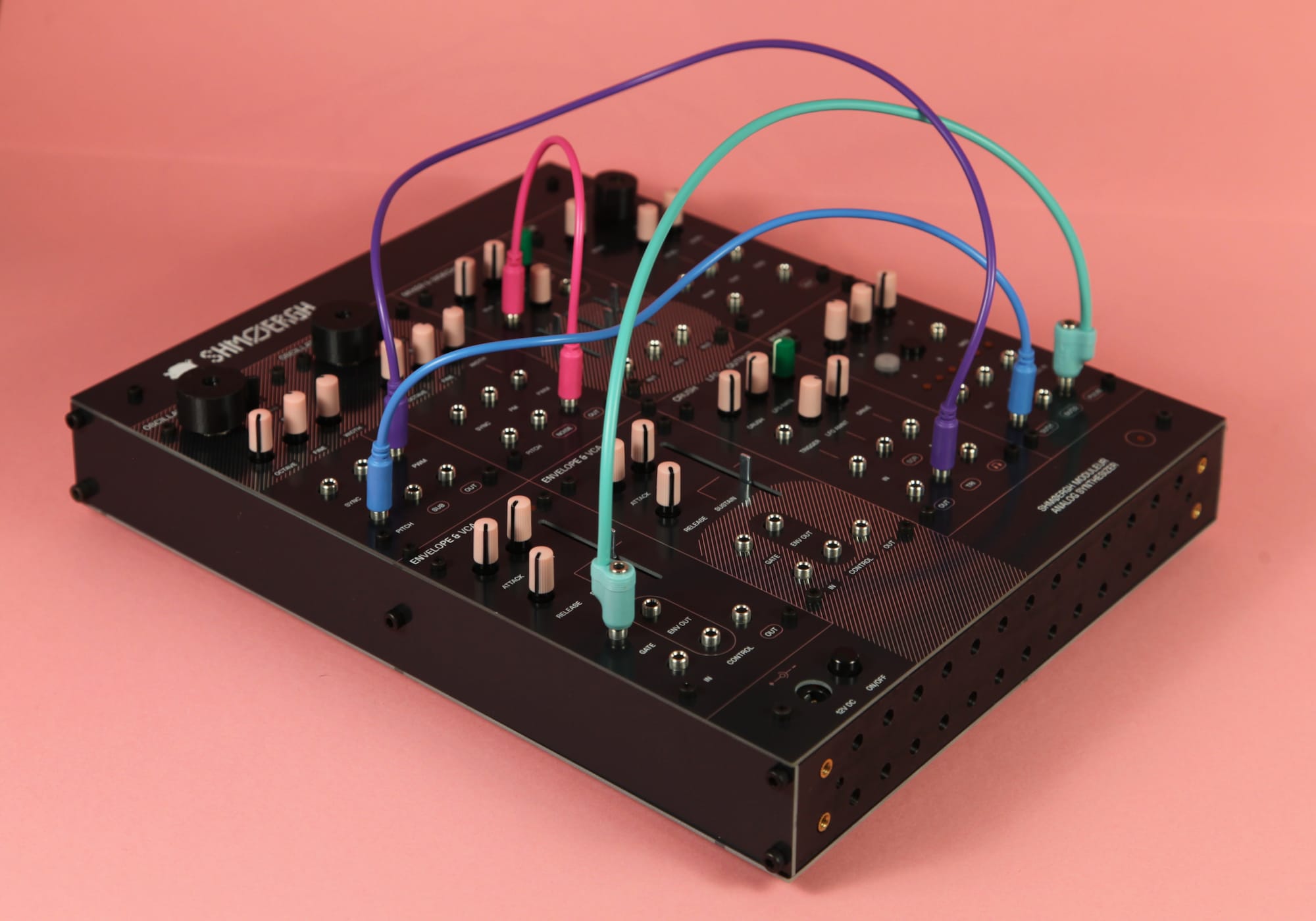
The Shmøergh Moduleur is fully analog, DIY-friendly modular synthesizer system based on the circuit blocks of the original Shmøergh Hog. The instrument is built from discrete modules — oscillators, filters, VCAs, utilities, and a digital “Brain” module — that can be used in a pre-patched configuration or integrated into any Eurorack system.

The project is designed for builders who want a hackable analog instrument. All circuits, PCBs, firmware, and mechanical designs are published in the Moduleur Github repository, including schematics, Gerbers, BOMs, and panel files. Each module is isolated and documented so it can be assembled, modified, or reused independently.

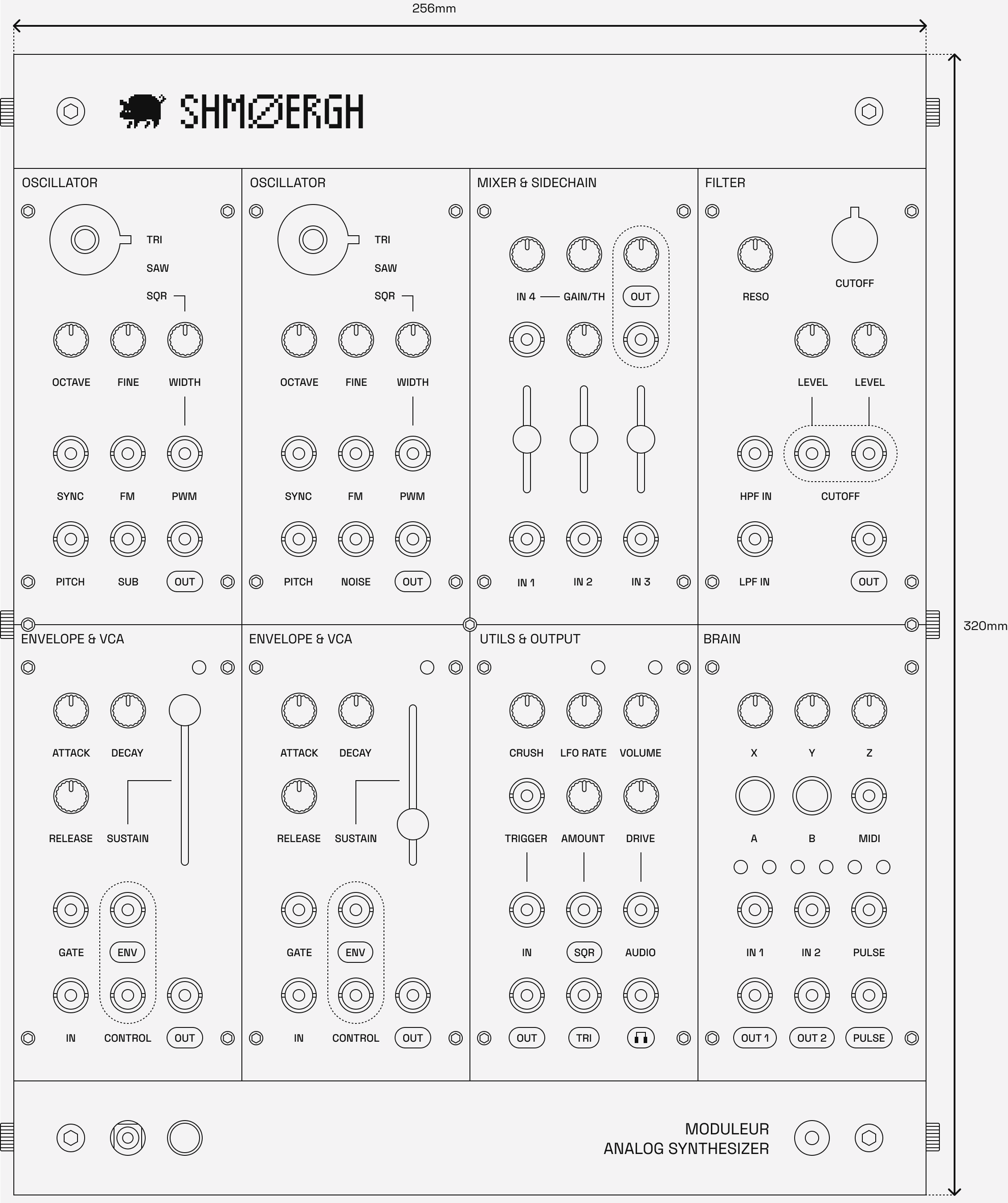
The synth consists of 6 distinct modules (8 modules altogether):

  • VCO with triangle, saw, square, sub and noise (2x)
  • A mixer with sidechain compressor
  • A diode-ladder filter
  • A combined ADSR envelope generator and VCA (2x)
  • Utils module containing an analog bit crusher, an LFO with square and triangle output and an output interface module with overdrive and headphones output
  • An universal digital module called Brain based on a Raspberry Pi Pico or Pico 2

The Moduleur follows standard Eurorack power and signal conventions (±12 V rails with reverse polarity protection, 10-pin power, 1 V/oct VCO tracking). Wherever possible, the designs prioritize robustness, availability of components, and clarity of signal flow over novelty. Simulation files and test notes are included for understanding or extending the circuits.

🚧
We track the ongoing development of both the hardware and firmware on Github. The system is under active construction, and module designs may change between revisions.

Prerequisites

Knowledge

🤓
The Moduleur is not a beginner project and you are expected to be comfortable with reading schematics, following revision notes, and doing basic debugging.
🎓
You need to thoroughly understand how each module of the Moduleur works before you assembly one. Learn more about the Moduleur here.

Tools

  • Your computer to keep track of the schematics and PCBs. You’ll need to install KiCAD 9 or higher, it’s free
  • Soldering station and smoke extractor
  • Oscilloscope
  • Multimeter
  • Tuner with line input, or an audio interface to tune the oscillators
  • Precision screwdrivers, pliers
  • A controller with CV/Gate output (e.g. Arturia Keystep) [recommended], or a MIDI keyboard

Time

If you have the PCBs and components it takes a few hours to build a module, and about a weekend to build the whole Moduleur depending on your experience level in synth DIY and electronics.

The SMD BOMs change over time due to component availability. If you notice mismatches between the published BOM and what JLCPCB currently stocks, please open an issue or contribute a pull request with updated part numbers. Here's how to contribute.

Build options

You can either build the whole Moduleur or individual modules which will fit in any Eurorack case. No matter which direction you take, you'll need to first build the modules.

Building the Modules

In this guide we'll go through each step to build any module for the Moduleur. We'll also show an example which you can replicate to build any other module. We recommend to build and test each module separately in the order they are organized in folders in the modules folder on Github (so PSU first, VCO second etc.).

General structure

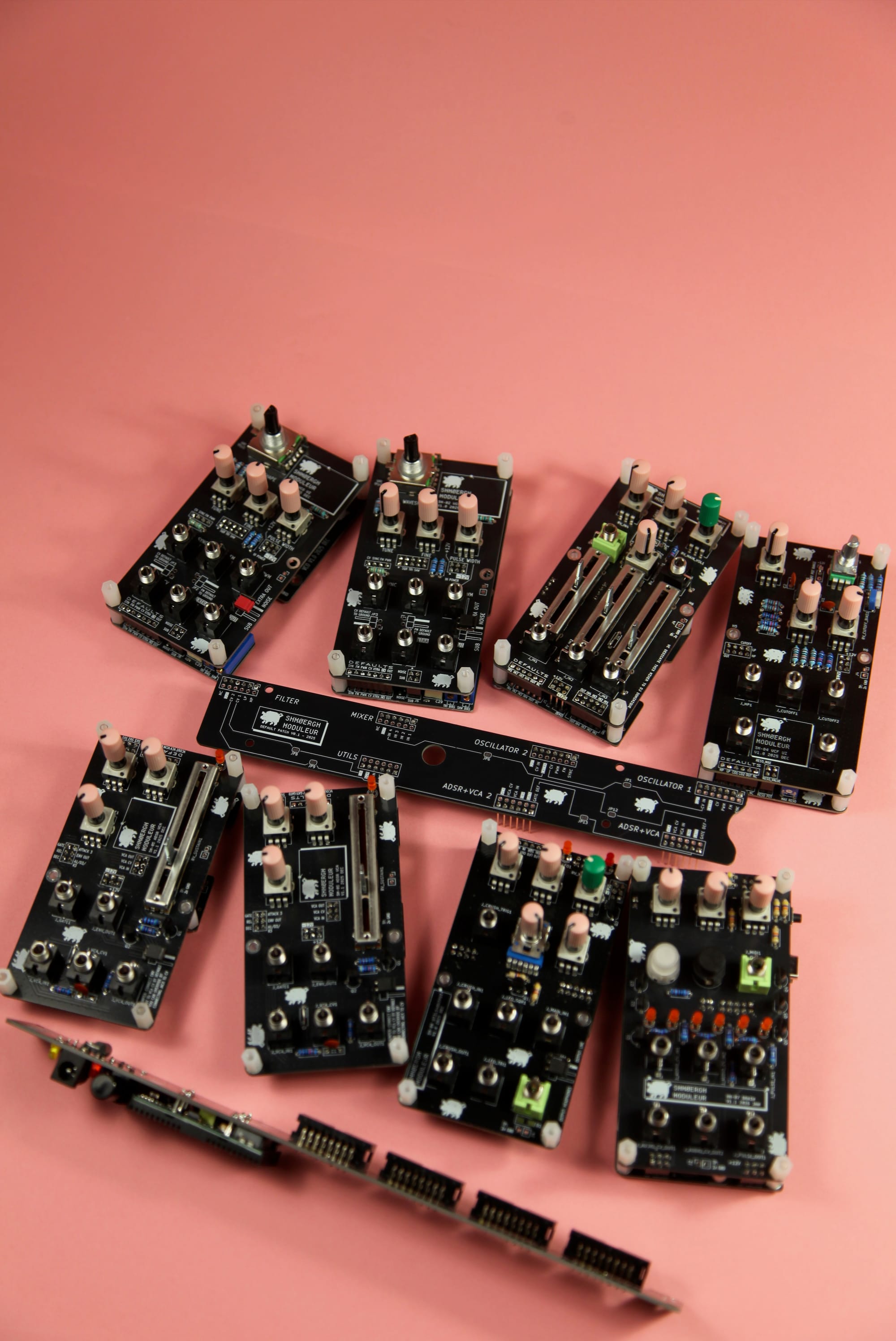
Most modules consist of two separate PCBs: a core board and a UI board which are connected via pin headers.

Core boards

All signal-generation and processing circuitry lives on the core board in the core folder. Each core board is an SMD PCB prepared for JLCPCB assembly (SMT fabrication + partial assembly).

UI boards

Each UI board is a through-hole PCB designed for hand soldering. The UI boards hold panel components such as potentiometers, switches, and jacks, and mechanically align with the printed or CNC-cut front panels.

Example of the filter module UI and Core boards

This separation between the core and UI boards is intentional, which makes the core functions of each module reusable in other contexts: you can design alternative control interfaces, swap knobs for switches, integrate a module into a non-modular instrument, or embed it into entirely different enclosures without modifying the analog circuitry itself.

Step 1 — Ordering PCBs

UI boards

UI boards only have through hole (THT) components so the ordering process is pretty easy. The production folder in each module contains a zip file which has all the Gerber files that are needed for you to order the board from JLCPCB. Here's a short video that shows how to order the THT-only UI boards:

0:00
/0:41

Core boards

Core boards have through-hole and surface mount components, which makes the ordering process a bit more complicated. Just like for UI boards, you can find all the files for ordering the PCB's with assembly service from JLCPCB in the production folder of each module:

  • Gerber files: [module-name].zip
  • BOM: bom.csv
  • CPL/positions file: positions.csv

To order core boards, follow the steps in this video.

⚠️
As shown in the video, make sure to doublecheck the polarity of the electrolytic caps, diodes and ICs during the ordering process. You can use SPACE to rotate components on the JLCPCB interface.
0:00
/0:58

Step 2 — Ordering components

Both the UI and Core boards contain through-hole components which you need to order. Each module has a file called [module-name]-full-bom.csv which contains all the components you'll need for the given board. If you used JLCPCB to assemble the SMD components then you only need to order the components which don't have an LCSC value. (A little explanation: the LCSC column in the csv file has the product id of the SMD component of the JLCPCB parts library.)

⚠️
Watch out! The [module-name]-full-bom.csv file contains both the through-hole and the SMD components of the given module.

All the THT components have a Mouser product id and a direct link to the component. Of course if you want you can order it from other distributors like Digikey or your local store.

Step 3 — Building the boards

We assume that you know how to solder so this build guide is not going to detail these technical details. We recommend to follow general PCB build guidelines when working on the modules:

  • Use the provided KiCad files for component positioning and polarity.
  • For practical reasons, first solder small components like resistors, ceramic disc caps, diodes etc.
  • Make sure polarity and pin numbering is correct for all diodes, polarized caps and ICs.
  • Once you finished soldering all components, doublecheck again all solder joints make sure you didn't create any bridges.
  • Before plugging the power connector to any module, make sure you don't have short between +12V, -12V and GND.

Step 4 — Tuning

Some modules need tuning. For each module we provide a detailed guide in the Module's readme file how to tune it.

Using in Eurorack

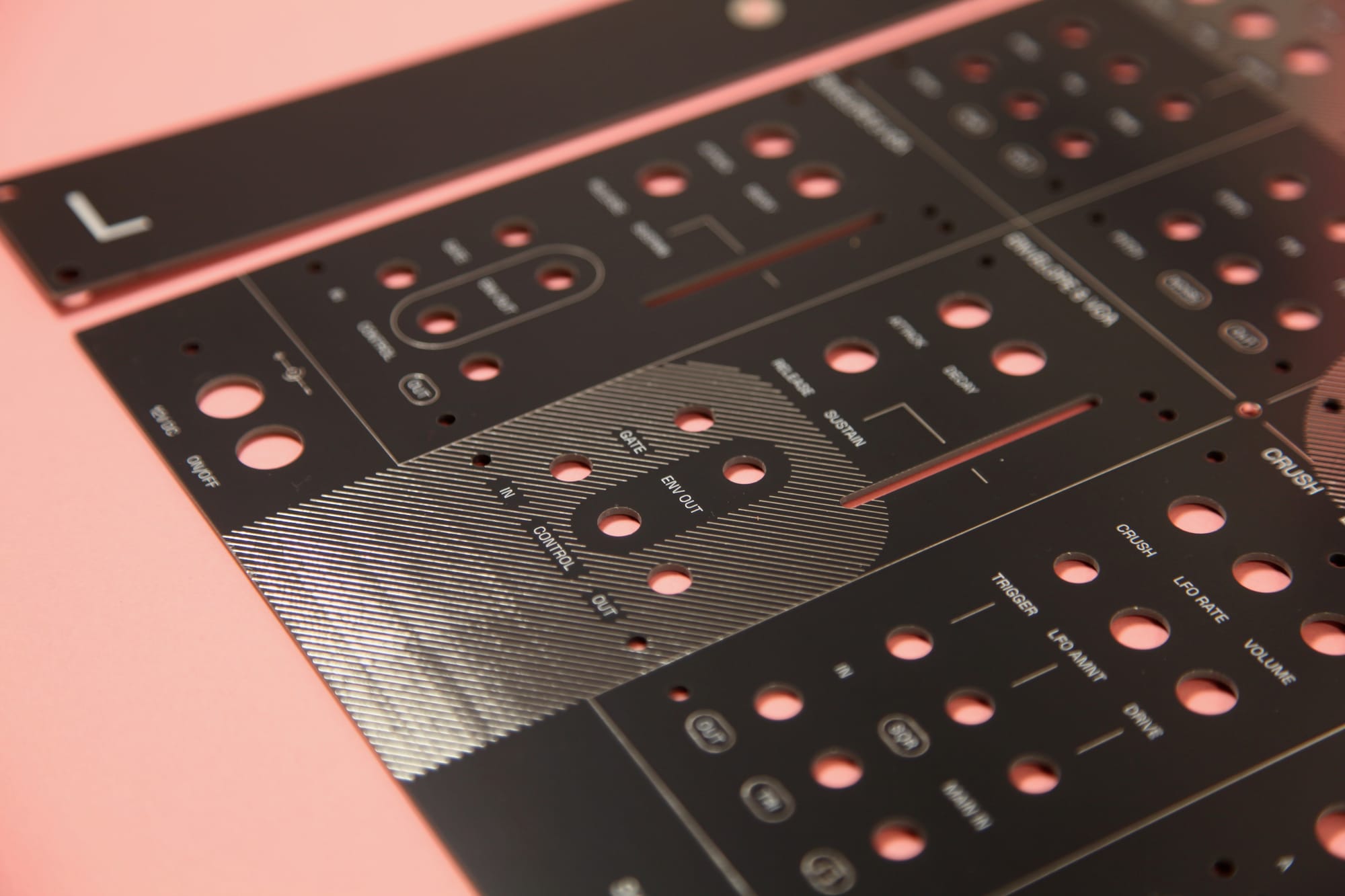
All analog modules are Eurorack-compatible and can be installed into any existing Eurorack case. You can find faceplate step and LightBurn files for 3D printing and laser cutting in the eurorack/faceplates folder.

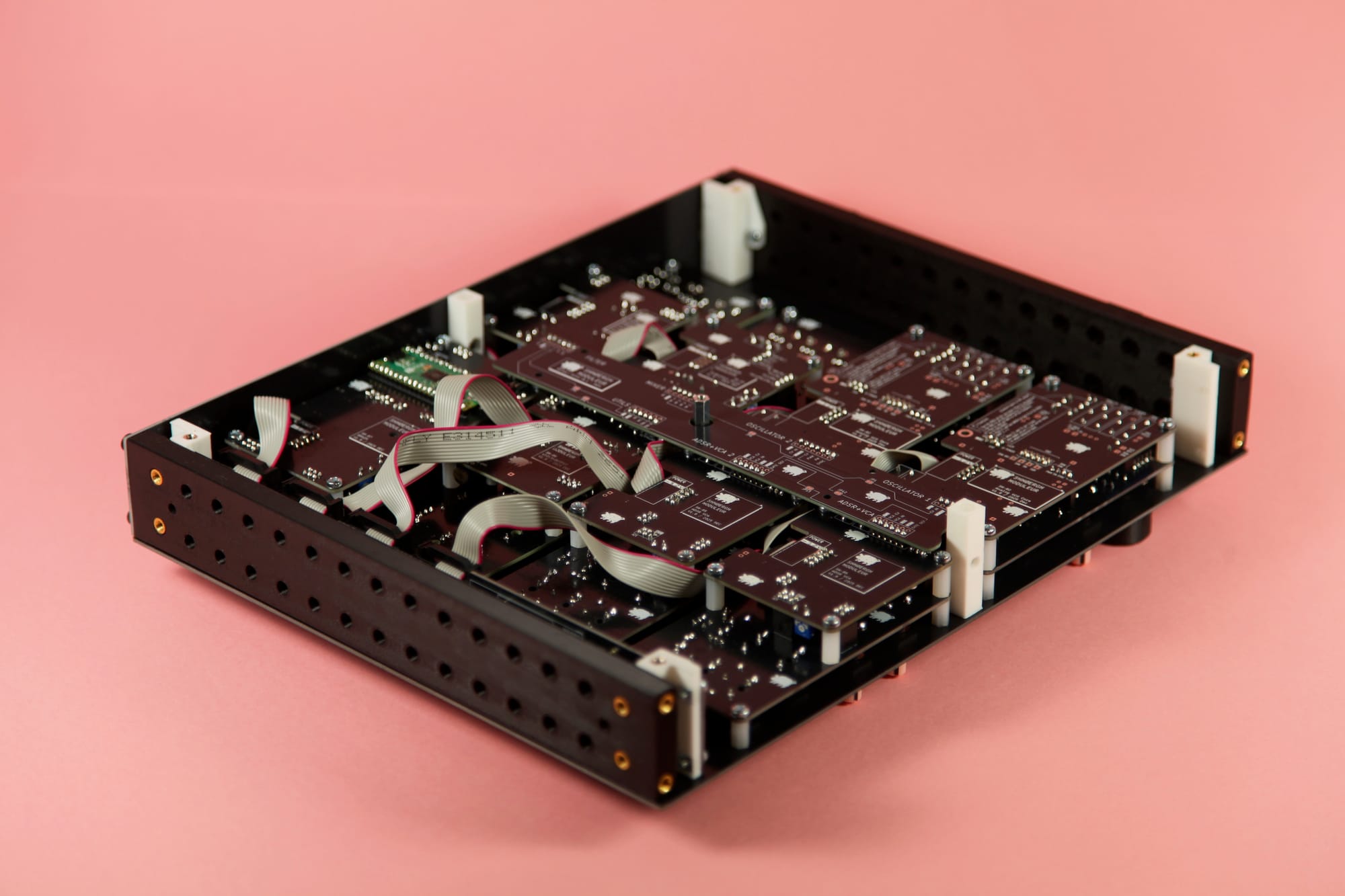
We also designed a 3D-printable Eurorack frame, mostly for test-bench setups but you can also use it as a small synth.

Enclosure

You can access the original Moduleur's frontplate LightBurn and step files on Github. Use this to design and build your own enclosure.

If you're interested in a full Moduleur enclosure, hit us up on shmoergh at gmail.

License

Shmøergh Moduleur © 2025

Hardware is licensed under CC BY-NC 4.0

Software is licensed under MIT

Simulations made in CircuitJS

Disclaimer

All electronic projects and designs presented on this web site, or associated web sites should be considered dangerous if not lethal if not used safely. When working on projects based on the designs on this site, use extreme care to ensure that you do not come into contact with mains AC voltages or high voltage DC. If you are not confident about working with mains voltages, or high voltages, or you are not legally allowed to work with mains voltages, or high voltages, you are advised not to attempt work on them. The author, host, and all people associated with these web pages disclaim any liability for damages should anyone be killed or injured while working on these projects, or projects based on these designs, or any other project or design presented on these web pages and any associated web pages. The author, host, and all people associated with these web pages also disclaim any liability for projects, or projects based on these designs, or any other project or design presented on these web pages and any associated web pages when used in such a way as to infringe relevant government regulations and by-laws.

All circuits, schematics, printed circuit board, panel design and associated data published on this site can be used for private use only.

We are not responsible for any errors in the PCB design or the parts list. All responsibility for ordering PCBs, components, and assembly services rests solely with you.